
Table of Contents
How Professional Video Editors Can Speed Up Editing with AI
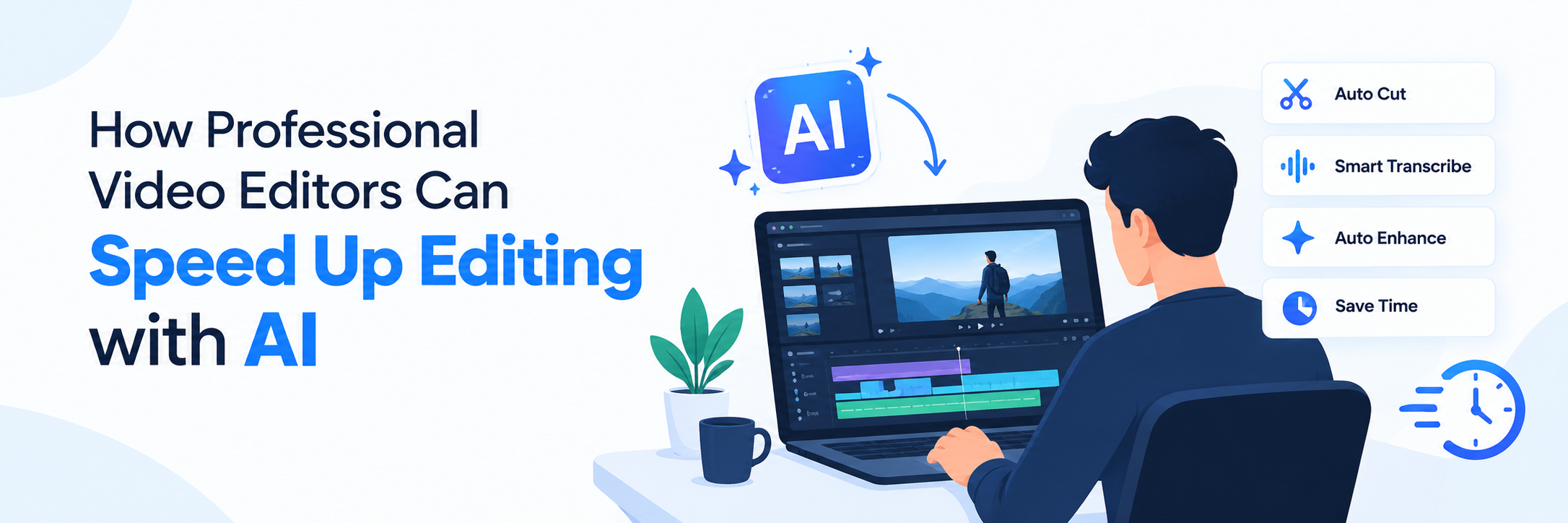
Professional video editing involves more than cutting clips together. Editors must organize footage, find the right scenes, remove unwanted pauses, improve audio, add captions, create transitions, and prepare videos for different platforms. These repetitive tasks can take hours.
Modern AI video editing tools help professionals complete routine work faster while keeping creative control. With an intelligent editing platform such as a video editor online, editors can simplify their workflow, explore ideas quickly, and spend more time improving the final story.
What Is AI Video Editing for Professionals?
AI video editing for professionals uses artificial intelligence to assist with time-consuming production tasks. Instead of manually reviewing every clip or making each adjustment individually, editors can use AI to organize content, understand footage, generate captions, refine audio, and suggest edits.
AI does not replace professional judgment. It acts as an editing assistant that supports faster decisions and reduces repetitive manual work. The editor still controls the narrative, pacing, visual style, and final quality.
How AI Speeds Up Video Editing
AI speeds up video editing by automating repetitive tasks such as cutting clips, removing background noise, generating captions, color correction, and scene detection. Professional editors can use AI tools to organize footage, create rough cuts, and make quick adjustments. This reduces manual work, saves time, and helps editors deliver polished videos faster.
1. Faster Footage Organization
Large projects may contain hundreds of video clips, audio files, images, and graphics. Reviewing and organizing everything manually can slow down the editing process.
A semantic video editor can understand the meaning of scenes and spoken content. Editors can search for a specific topic, action, person, or phrase instead of opening every clip individually. This makes it easier to locate the right footage and build the first draft.
2. Quick Rough-Cut Creation
Creating the first cut is often one of the most time-consuming stages. AI can analyze footage, identify useful sections, and help arrange clips into an initial sequence.
Professional editors can then improve the structure, remove unnecessary moments, and adjust the pacing. Starting with an AI-assisted rough cut provides more time for creative decisions.
3. Conversational Video Editing
Conversational video editing allows editors to describe changes using natural language. For example, they may request shorter pauses, a stronger introduction, captions, or a different video length.
This approach reduces the number of repetitive actions required within the editing interface. It is especially helpful when testing different versions of a video or making quick client revisions.
4. Smarter Timeline Management
An AI timeline editor can assist with trimming footage, detecting silence, aligning clips, and identifying important moments. It can reduce the time spent making small adjustments across a long timeline.
Editors should still review every AI-generated change. Human supervision ensures that cuts feel natural and that important emotional or contextual moments are not removed.
5. Automated Captions and Transcripts
Manually transcribing a video and synchronizing subtitles can take considerable time. AI can generate transcripts and timed captions in minutes.
Editors can use the transcript to find specific dialogue, remove unwanted sections, or create shorter clips. Captions also make content easier to understand and more accessible across social media platforms.
6. Faster Audio Cleanup
Background noise, uneven volume, and long pauses can affect video quality. AI-powered features can help identify and improve common audio problems.
Editors can use these tools to create a cleaner starting point before making detailed audio adjustments. This can be particularly useful for interviews, podcasts, tutorials, and talking-head videos.
Why Professional Editors Should Use Invideo Editor
Invideo Editor can support an AI editing workflow by bringing editing and intelligent assistance into one video editing platform. Professionals can use it to develop initial concepts, organize content, make changes, and produce different versions more efficiently. The main benefit is not simply faster editing. It is the ability to spend less time on routine production work and more time improving storytelling, branding, pacing, and visual quality.
- Social media videos
- Marketing campaigns
- Product demonstrations
- Educational content
- Client presentations
- YouTube videos
- Short promotional clips
How to Build an Efficient AI Editing Workflow
Building an efficient AI editing workflow starts with organizing footage, defining the editing goals, and selecting AI tools for specific tasks. Use AI for transcription, scene detection, captions, audio enhancement, and rough cuts, while keeping creative decisions under human control. Review AI-generated edits carefully to maintain quality, consistency, and storytelling.
Define the Video Goal
Before importing footage, decide what the video should achieve. Identify the target audience, platform, message, tone, and preferred duration. Clear direction helps both the editor and AI tools produce more relevant results.
Organize the Source Files
Use clear folders and filenames for footage, music, images, voiceovers, and brand assets. An organized project makes semantic search and timeline management more effective.
Create an AI-Assisted First Draft
Use AI to review footage, generate a transcript, identify key moments, and prepare a rough sequence. Treat this output as a starting point rather than a completed video.
Refine the Story Manually
Review the narrative structure and remove anything that does not support the central message. Adjust the pacing, strengthen transitions, and ensure the video feels natural.
Apply Brand Elements
Add approved fonts, colours, graphics, logos, music, and motion styles. Consistent branding helps transform an AI-assisted draft into a professional final video.
Review Every Detail
Check captions, names, statistics, timing, audio quality, transitions, and aspect ratios. AI can make mistakes, so a complete human review remains essential.
Best Practices for Using AI in Professional Editing
- Give clear and specific editing instructions.
- Use AI for repetitive tasks and initial drafts.
- Keep manual control over storytelling and pacing.
- Review automatically generated captions carefully.
- Check whether music, images, and footage have appropriate usage rights.
- Create separate versions for each publishing platform.
- Protect confidential client footage and project information.
- Save original files before applying major changes.
Final Thoughts
AI is making professional video editing faster, more flexible, and easier to manage. Features such as semantic search, conversational video editing, automated transcription, and AI timeline editing can significantly reduce repetitive work.
However, technology alone cannot create an engaging story. The best results come from combining an efficient AI video editing platform with the creativity, experience, and attention to detail of a professional editor.
Frequently Asked Questions
1. What is AI video editing for professionals?
AI video editing for professionals uses artificial intelligence to assist with tasks such as organizing footage, generating captions, searching clips, cleaning audio, and preparing rough cuts.
2. How can professional editors speed up video editing with AI?
Editors can speed up video editing with AI by automating transcription, silence detection, footage search, caption creation, timeline organization, and repetitive formatting tasks.
3. What is an AI timeline editor?
An AI timeline editor helps users manage and refine video sequences using intelligent features. It may assist with trimming clips, detecting pauses, arranging footage, and identifying important moments.
4. What is a semantic video editor?
A semantic video editor understands the context and meaning of video content. It allows editors to find scenes or dialogue by searching for ideas, actions, people, or spoken phrases.
5. What is conversational video editing?
Conversational video editing lets users request changes through written instructions. Editors can describe the required result instead of completing every action manually on the timeline.
6. Can AI replace professional video editing software or human editors?
AI can support professional video editing software, but it cannot replace human creativity and judgment. Skilled editors are still needed to shape the story, maintain brand consistency, and ensure quality.

 +91 774-202-1725
 +1 (945) 3387904
 business@coherentlab.com
 +49 15223341304
 UK
UK

