
Table of Contents
How Product Walkthroughs Improve Software Adoption
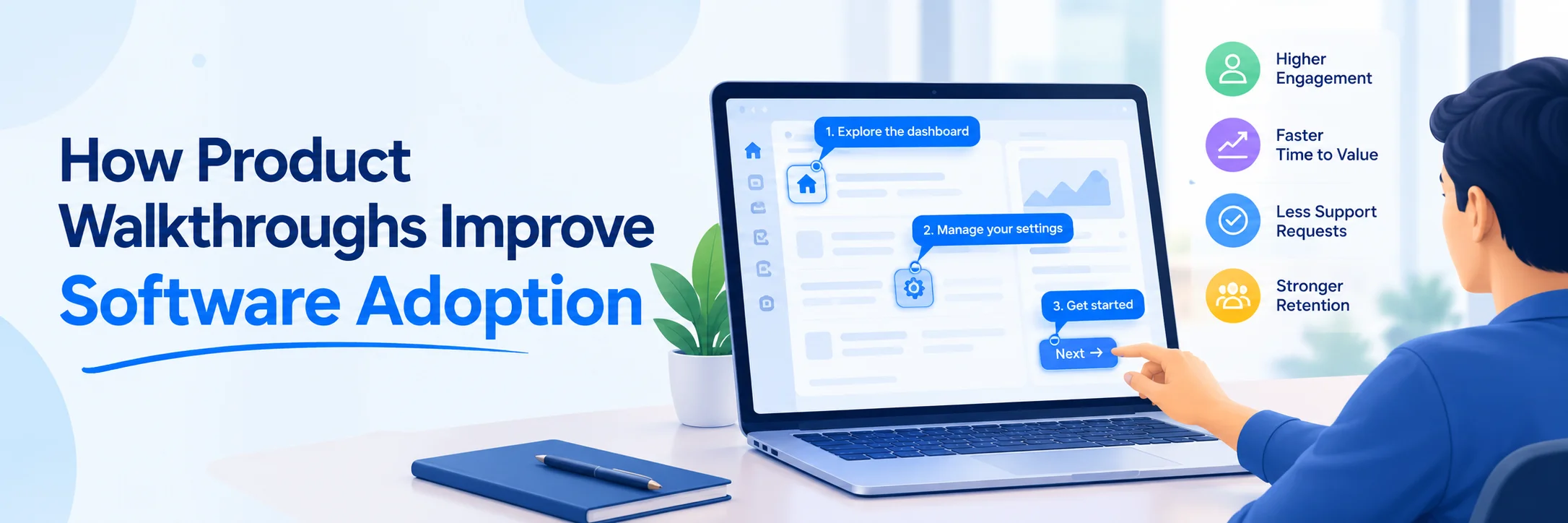
Software rarely fails because the code was bad. It fails because the people who were supposed to use it drifted back to their spreadsheets, and nobody noticed until the renewal call.
Procurement signs off on 300 seats. Six months later, the usage dashboard shows 90 accounts logging in twice a month. Product walkthroughs go after that gap directly, putting guidance inside the interface at the exact moment somebody gets stuck.
The gap between seats sold and seats used
Buying a tool takes an afternoon. Changing how 300 people work takes months, and the difference shows up in every quarterly review as flat weekly active usage.
Classroom-style training doesn't survive contact with a real workday. A 45-minute kickoff webinar in January does nothing for the sales rep who hits a confusing approval screen in March. She'll ask a colleague, guess, or drop the workflow entirely.
Support tickets follow. So do shadow processes, where a team quietly rebuilds the reporting flow in Google Sheets because the official system felt hostile on day one. Once that habit sets, winning it back costs far more than the license ever did.
Guidance that shows up at the right moment
A walkthrough lives inside the live product. It points at the actual button, waits for the click, and only then moves to the next step. Good walkthrough software records a workflow once, then replays it as an interactive overlay for everyone hired afterward.
Timing does most of the work here. People retain an instruction they apply within seconds, and they forget one they watched three weeks earlier in a shared video folder.
There's a design principle underneath all of this that predates SaaS onboarding by about two decades. Progressive disclosure, the pattern Jakob Nielsen described in 2006, shows users the small set of controls they need right now and defers everything else until they ask. A walkthrough applies that idea to a whole workflow instead of a single screen.
What separates a useful walkthrough from an annoying one
Bad walkthroughs are slideshows bolted to the screen: five modal windows, a "Got it" button, and no way back if somebody misses step three. Anyone who has clicked through one of those on their first morning at a new job knows the feeling. You dismiss it fast, then spend the next twenty minutes hunting for the screen it just showed you.
The useful ones branch. They let people skip ahead, restart, or jump straight to the step that matters, and they fire on behavior (opening the invoicing module for the first time) rather than on first login.
Two perceptions predict whether anyone adopts a system: how useful it looks, and how easy it feels to operate. That's the core of the technology acceptance model, which researchers have tested in thousands of studies since Fred Davis published it in 1989. Walkthroughs move the second perception hard, and moving it tends to pull the first one along.
Length matters too. Seven steps is a walkthrough; twenty-two steps is a training course wearing a costume.
Adoption is a finance number, not a design nicety
Failed rollouts usually get filed under change management, which is another way of saying nobody wants to own them. Harvard Business Review made the argument years ago that big digital programs stall because digital isn't a thing you buy and plug into an organization. The expensive part sits with people and process.
Walkthroughs are cheap insurance against that outcome. Cutting onboarding from ten days to three across 200 hires is real payroll, and every ticket that never gets filed is support capacity handed back to harder problems.
The economics get better in year two, when the walkthrough that trained the first cohort trains the next one at no extra cost. Live training scales with headcount. Recorded guidance doesn't.
Slack, Figma, and Notion all build first-run guidance into the product itself. None of them files it under documentation, because documentation is where instructions go to be ignored.
Where this is heading
Walkthrough content is becoming versioned software in its own right: tied to release notes, updated when the UI changes, owned by somebody with a name on the ticket. Teams that treat guidance as a build artifact keep it accurate. Teams that treat it as a one-time project ship broken tooltips six releases later.
The tools companies buy in 2026 won't be judged on feature lists alone. They'll be judged on how fast a new hire can finish a real task without stopping to ask anyone for help.

 +91 774-202-1725
 +1 (945) 3387904
 business@coherentlab.com
 +49 15223341304
 UK
UK

