
Table of Contents
Server Maintenance for Legacy Hardware: What Changes as Systems Age
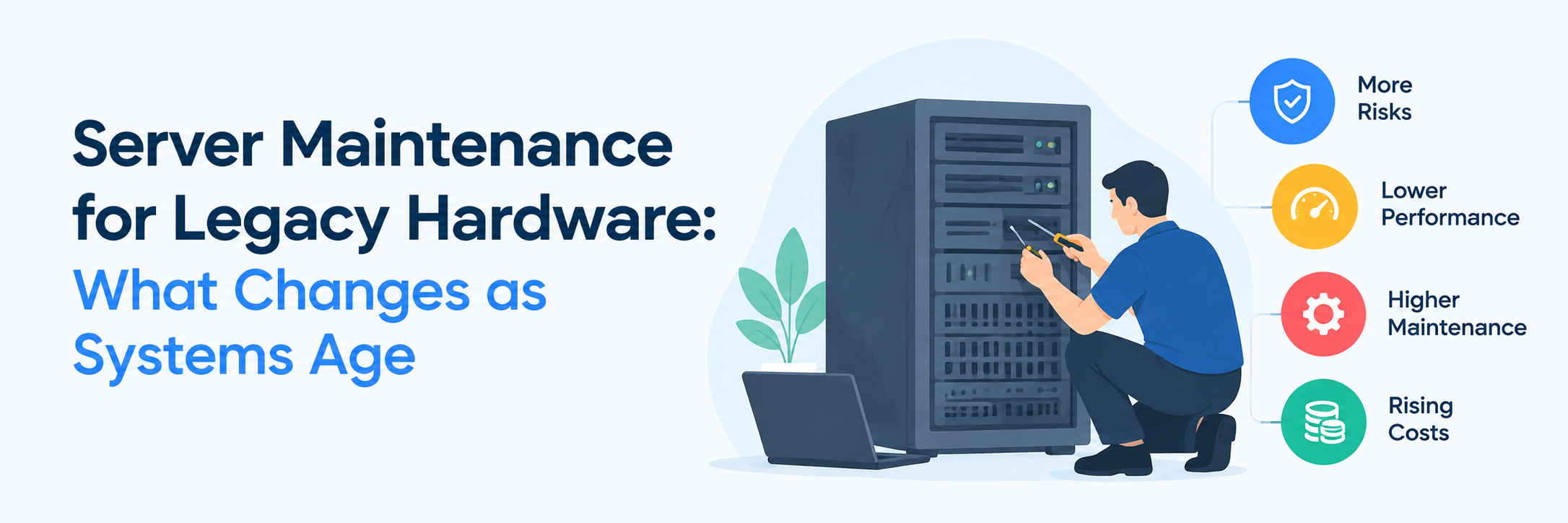
Legacy servers rarely fail just because they've reached a certain age. Many systems keep running reliably long after their original warranty or support period ends. Their maintenance needs still change as components age and vendor support declines.
Older hardware needs more attention around failure patterns, spare parts, and replacement timing. A maintenance plan built for a new server may no longer fit a system running eight years later. The difference becomes clearer once several generations of hardware share the same data center.
IT teams also face tougher decisions as systems age. Repairing a stable server may make more sense than replacing it immediately. That decision depends on workload needs, hardware condition, support options, and future infrastructure plans.
What Changes as Server Hardware Gets Older?
A good server maintenance plan changes with the hardware's age and condition. Older systems need more attention around component health, spare parts, and support availability.
Component Failure Patterns Change
Moving parts usually show age sooner than solid-state components. Fans and storage drives may start failing more often after years of continuous operation. Power supplies can also become less dependable under sustained load.
Replacement Parts Become Harder to Source
Older server models gradually disappear from normal distribution channels. Compatible boards, controllers, and power supplies can become harder to locate quickly. A delayed part can turn a simple hardware fault into extended downtime.
OEM Support Becomes More Limited
Manufacturers eventually stop selling standard support for older server generations. Some systems lose hardware coverage before a company wants to replace them. IT teams then need another plan for repairs and parts.
How Maintenance Priorities Shift Across Aging Servers
Maintenance becomes more condition-focused as hardware moves deeper into its service life. Teams start watching specific components more closely instead of treating every server the same way.
Monitoring Hardware Health Matters More
Older servers benefit from closer attention to recurring warnings and abnormal behavior. Fan alerts or memory errors can reveal developing hardware problems. Historical monitoring data also makes unusual changes easier to spot.
Firmware Changes Need More Caution
Older systems may already run stable firmware that supports their existing workloads. A newer release can introduce compatibility problems with legacy operating systems or connected hardware. Teams often become more selective about changes late in the lifecycle.
Spare Parts Planning Becomes More Important
Waiting for a failure before finding parts creates more risk on older hardware. You can identify common replacement components before a problem occurs. Local spare inventory can shorten recovery when a supported part fails.
Which Legacy Server Components Need the Most Attention?
Not every server component ages at the same rate. Maintenance plans should reflect the parts most likely to affect uptime on older systems.
Storage Drives and RAID Components
Storage failures can create immediate operational problems on legacy servers. Older drives may already have years of constant read and write activity. RAID controllers and backup batteries also deserve attention during hardware reviews.
Power and Cooling Components
Fans and power supplies work continuously throughout the server's life. Aging cooling components can affect temperatures even when workloads stay unchanged. Power faults can also appear suddenly after years of stable operation.
Memory, Boards, and Controllers
Memory errors may become more common as hardware ages. Motherboards and controller cards can also fail after long service periods. Replacement availability often becomes the bigger problem when these parts are no longer widely stocked.
What Should a Legacy Server Maintenance Plan Include?
Older hardware needs a plan built around its actual condition rather than its original support schedule. The plan should also account for how quickly the business needs service after a hardware fault.
- Track server age, model, warranty status, and vendor lifecycle dates.
- Review hardware alerts and recurring faults across each supported system.
- Identify high-failure components before they become difficult to source.
- Keep replacement parts available for systems with strict uptime requirements.
- Match response times with the business importance of each workload.
- Document current firmware versions and known compatibility requirements.
- Keep service histories for repairs and repeated component failures.
- Review each server regularly for repair, extension, or replacement.
When Does Third Party Maintenance Make Sense for Legacy Servers?
Third-party maintenance becomes relevant when hardware remains useful after standard OEM support no longer fits the plan. It can also support mixed server environments where several manufacturers have different contract dates.
- The server still meets its workload requirements after OEM support ends.
- A planned refresh remains one or two budget cycles away.
- OEM renewal pricing no longer matches the hardware's value.
- Replacement parts remain available through independent support channels.
- The environment contains servers from several manufacturers.
- The business needs onsite hardware repair after warranty expiration.
- A stable legacy application still depends on the existing platform.
- The company wants more control over its hardware refresh schedule.
When Should You Repair a Legacy Server Instead of Replacing It?
Replacement is not automatically the right answer after a server reaches end-of-life status. A stable system may still support its workload without performance problems. Hardware age should sit beside business requirements during the decision.
Repair can make sense when the fault affects a replaceable component. A failed power supply does not make the entire platform obsolete. Available parts and suitable technical support can keep the system running.
Replacement becomes more attractive when problems start appearing across several components. Rising failure frequency can make ongoing repairs difficult to justify. Capacity or software requirements may also make the existing hardware unsuitable.
How Aging Servers Change Maintenance Costs and Risk
Older servers can become cheaper to own once their original purchase cost is no longer factored into planning. Support costs can still move in the opposite direction. OEM contracts may become expensive or disappear as the platform reaches later lifecycle stages.
Downtime risk also depends heavily on parts availability. A small component failure becomes more serious when no replacement can arrive quickly. Spare planning can matter more than the price of the failed component.
Keeping hardware longer also delays capital spending. That can make financial sense when the server still performs its job reliably. The decision weakens when maintenance costs approach the value of replacement hardware.
Conclusion
Legacy server maintenance changes gradually rather than at one fixed age. Parts become less available, support options change, and individual components need closer attention. A maintenance plan should change with those conditions.
Older hardware can remain useful long after its original support period. Repair planning and suitable support can extend that useful life without forcing an early refresh. Replacement still makes sense once reliability or workload requirements change the equation.
FAQ
How long can a legacy server remain in service?
No universal service-life limit applies to every server. Workload demands, hardware condition, and parts availability affect how long a system remains practical. Some environments keep stable servers running well beyond the original OEM lifecycle.
Does end of life mean a server must be replaced?
No. End-of-life usually refers to the manufacturer's commercial lifecycle, not an immediate hardware failure. A server can remain functional after that date if suitable support remains available.
What usually fails first in an older server?
Fans, drives, power supplies, and batteries often need attention as systems age. Failure patterns still vary by server model and workload. Maintenance history can show which components need closer monitoring.
Can legacy servers remain in a mixed-generation environment?
Yes. Many data centers operate newer and older server generations at the same time. Clear support coverage and lifecycle records make those environments easier to manage.

 +91 774-202-1725
 +1 (945) 3387904
 business@coherentlab.com
 +49 15223341304
 UK
UK

