
Table of Contents
How to Use Subdelete: From Finding a Subscription to Tracking the Cancellation
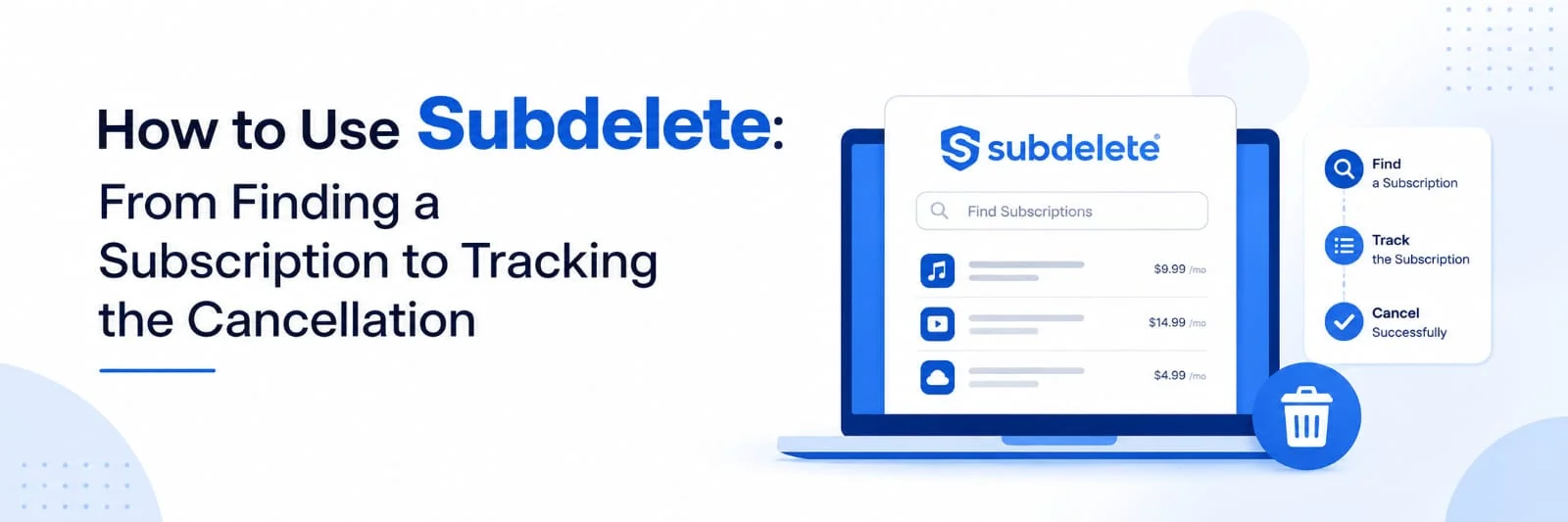
Canceling a recurring subscription starts with a simple decision, but the practical steps can vary from one company to another. The account email may be old, the billing name may differ from the name used today, or the subscription may no longer appear in an obvious place. Having the correct details ready before submitting a request can prevent unnecessary back and forth later.
The Subdelete website organizes cancellation around a short process. Its official start page describes four main stages: find the subscription, enter the billing details, let Subdelete send the cancellation notice, then track the request through the dashboard.
The important point is that sending a cancellation request and completing a cancellation are separate events. Subdelete handles preparation and delivery of the notice and provides tracking information. According to its Terms, the receiving company is still responsible for processing the request.
Get the Subscription Details Right Before Starting
A few minutes of preparation can make the cancellation form easier to complete. Check an old invoice, recent card statement, account page, or billing email before opening the form. The goal is to identify the exact subscription and the information connected with it. This matters most when several accounts have been used over the years.
Confirm Which Company Is Charging You
Start with the merchant name on the statement and compare it with the service you intend to cancel. A familiar example would be an old Spotify subscription that is still billed every month. Another might be a Planet Fitness membership that is no longer used. Both companies appear among the subscriptions listed on Subdelete.
Do not rely only on memory if the charge is unfamiliar. Check the account or past emails first. Canceling the correct service is more important than completing the form quickly.
Gather the Account and Billing Information
Subdelete asks for the name, email address, and billing information associated with the subscription. Its Privacy Policy confirms that these details are collected when a cancellation request is submitted. The information is used to prepare and deliver the cancellation letter.
The account email deserves particular attention. If an Adobe subscription was opened with an older email address, entering a newer address may make identification harder for the receiving company. Checking the original billing record before submitting the form is a sensible extra step.
Move From Search to a Sent Cancellation Notice
The actual submission process is short. Subdelete says filling in the cancellation request takes under two minutes, although the time needed to find old account information is separate from that estimate. Once the required details are ready, the process follows a fairly direct sequence.
| Stage | What you do | What happens next |
|---|---|---|
| Find | Search for the subscription company | The correct cancellation flow is selected |
| Enter details | Provide the account and billing information | Subdelete prepares the notice |
| Submit | Send the cancellation request | The notice is delivered to the company |
| Track | Open the dashboard and check the status | Delivery information remains available |
Step 1: Search for the Company
The first screen asks the user to find the company or service that needs to be canceled. Subdelete says the directory contains more than 1,500 services. If the company is missing, the official start page says a cancellation request can still be submitted for manual handling. The contact page also says support can help with companies that are not yet in the directory.
This is useful when a charge comes from a smaller membership or less common subscription. A missing directory entry does not automatically mean the process ends there.
Step 2: Complete the Cancellation Form
After selecting the subscription, enter the requested account details. Subdelete highlights the key details like subscriber name, email, and payment details linked with the subscription.
Make sure to review the entry prior to going further. A typo in the email address or a name that does not correspond with the subscription details can cause confusion, even though the form itself is brief.
Step 3: Let Subdelete Prepare and Deliver the Notice
Once the request is submitted, Subdelete drafts a formal cancellation notice and delivers it to the company's official cancellation address. The pricing page says formal cancellation letter drafting and delivery are included in every current plan. Users also receive timestamped proof of delivery.
This is the point where the task moves from form completion to tracking. Subdelete's role is to create and send the notice. The subscription provider then needs to act on that request.
Track the Request Without Confusing Delivery With Cancellation
Tracking is one of the useful parts of a documented cancellation process because it answers a specific question: was the request sent and delivered? Subdelete states that dashboard access and timestamped proof of delivery are included in its plans.
Step 4: Check the Dashboard
An account is required to track a cancellation and receive proof of delivery. After the notice is sent, the dashboard can be used to follow its status. Subdelete says most companies process cancellations within range of 3 to 10 business days. That timing is information published by Subdelete rather than a guaranteed processing deadline for every provider.
There is no need to submit the same request repeatedly while it is already being tracked. Instead, keep the confirmation and watch for an update from the original subscription company.
Understand What Proof of Delivery Means
Subdelete's Terms draw an important line between delivery and completed cancellation.The service ensures the notification is made but cannot guarantee that the receiving party will process the cancellation. If the confirmation is not within the 30-day period, the Terms and Refund Policy state that the Subdelete fee is guaranteed by the money back guarantee.
A practical example makes the distinction clearer. If a gym receives the letter on Monday, the delivery record proves that the request reached the company. The membership should not be treated as fully closed until the gym sends confirmation or the account shows that cancellation has been completed.
Close the Loop After the Request Is Sent
The final part of the process happens outside the form itself. Keep the delivery confirmation, check messages from the subscription company, and review the original account. Subdelete defines cancellation confirmation as written acknowledgment from the provider that the subscription has been canceled and that no further charges will occur.
If the Company Is Missing or More Help Is Needed
Subdelete’s contact page says users can contact support about cancellation problems, billing questions, refunds, or a company that is missing from the directory. The page states that support replies within 24 hours on weekdays.
This gives the process a fallback when the normal directory flow is not enough. For a less common subscription, support can clarify the next step rather than requiring the user to guess.
Finish by Confirming the Result
Using Subdelete is easiest when the cancellation is treated as a sequence rather than one click. Find the correct company, provide accurate account details, submit the request, keep the delivery record, and then check for confirmation from the provider. The dashboard shows what happened to the request, while the original subscription account shows whether the final change has been completed. That last check turns a sent cancellation notice into a properly finished subscription cleanup.

 +91 774-202-1725
 +1 (945) 3387904
 business@coherentlab.com
 +49 15223341304
 UK
UK

